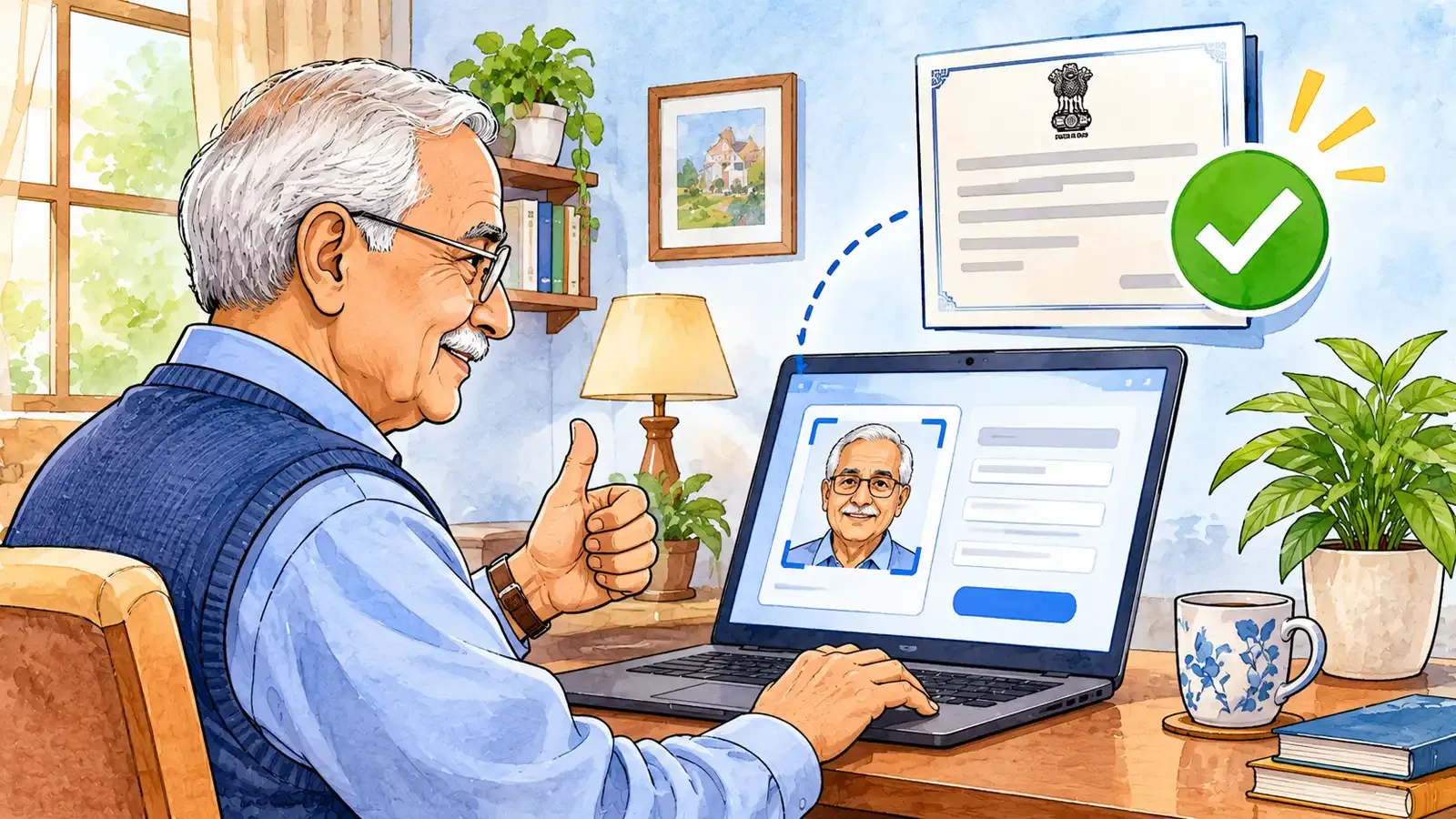
Pensioners can now generate and submit their Life Certificate online from home using the Jeevan Pramaan digital service. This Aadhaar-based platform allows pensioners to verify their identity through biometric authentication, eliminating the need to visit banks or pension offices in person. The process is simple, secure, and designed to help senior citizens continue receiving their pension without hassle.
- Jeevan Pramaan is a government service that uses Aadhaar biometric authentication.
- Pensioners must have a smartphone with internet access to use the service.
- The digital Life Certificate is automatically sent to the pension-disbursing agency.
- Re-employed and remarried pensioners are not eligible for this online process.
- The process involves downloading two apps and completing face authentication.
What is Jeevan Pramaan and who can use it?
Jeevan Pramaan is a Digital Life Certificate service provided by the government for pensioners. It uses biometric authentication, such as face recognition, linked to the pensioner's Aadhaar number to confirm that the pensioner is alive. This service is available to eligible pensioners of the Central Government, State Governments, and other government organizations whose Pension Sanctioning Authorities are registered on the Jeevan Pramaan platform.
However, pensioners who are re-employed or remarried are not eligible to generate a Digital Life Certificate through Jeevan Pramaan and must submit their Life Certificate through traditional methods.
What are the requirements to generate the Digital Life Certificate?
Before starting the process, pensioners should have the following details ready:
- Aadhaar number
- Pension Payment Order (PPO) number
- Pension account number and bank details
- Details of the Pension Sanctioning Authority and Pension Disbursing Authority
- A smartphone with internet connectivity
How can pensioners generate and submit the Life Certificate online?
The process involves several steps using the Jeevan Pramaan mobile application and the AadhaarFaceRD app:
- Download the Jeevan Pramaan app and the AadhaarFaceRD app on your smartphone.
- Open the Jeevan Pramaan app and select the operator authentication option.
- Enter the operator's Aadhaar number, mobile number, and email address.
- Submit the details and verify the OTP received on the mobile or email.
- The operator provides consent and completes face authentication. This is a one-time process, and the pensioner can act as the operator themselves.
- Enter the pensioner's Aadhaar number and mobile number.
- Verify details using the OTP and fill out the pensioner identification form with required information.
- Review the information, provide consent, and proceed to face authentication.
- Follow on-screen instructions to position your face clearly in front of the camera for biometric verification.
Once the face authentication is successful, the Digital Life Certificate is generated and automatically sent to the pension-disbursing agency selected during registration.
How can pensioners download their Digital Life Certificate?
Pensioners can visit the official Jeevan Pramaan portal to download their certificate. They need to enter their Pramaan ID or Aadhaar number to generate an OTP. After entering the OTP and logging in, they can view and download the PDF version of their Digital Life Certificate for their records.
What are the benefits of using Jeevan Pramaan?
This digital service saves time and effort for pensioners by removing the need to visit banks or pension offices physically. It is especially helpful for senior citizens with mobility challenges. The process is secure, using biometric authentication to ensure the identity of the pensioner. Additionally, the automatic submission to pension authorities reduces paperwork and delays.